
Product data and EAN: what a webshop needs from a wholesaler
For a physical shop, a box of good products is enough to get started. For a webshop it is not. There, the quality of the product data decides whether an item is found and bought at all. Anyone taking on a new brand soon notices that the buying was the easy part and filling the shop is the work.
EAN is the foundation
The EAN code is the hinge between your shop, your stock system and the channels you sell on. Without an EAN you cannot reliably link an item to a marketplace, cannot identify it unambiguously on a return and cannot match it to purchase orders. So with a new supplier, check first whether every variant has its own EAN, not just the model.
Pay attention to variants here. A model in four colours is four sellable items in your shop, each with its own code, its own stock and its own photo. A supplier that provides codes only at model level moves that work to you. In the B2B portal the EAN is visible per item, including the separate colour variants.
Images and text per language
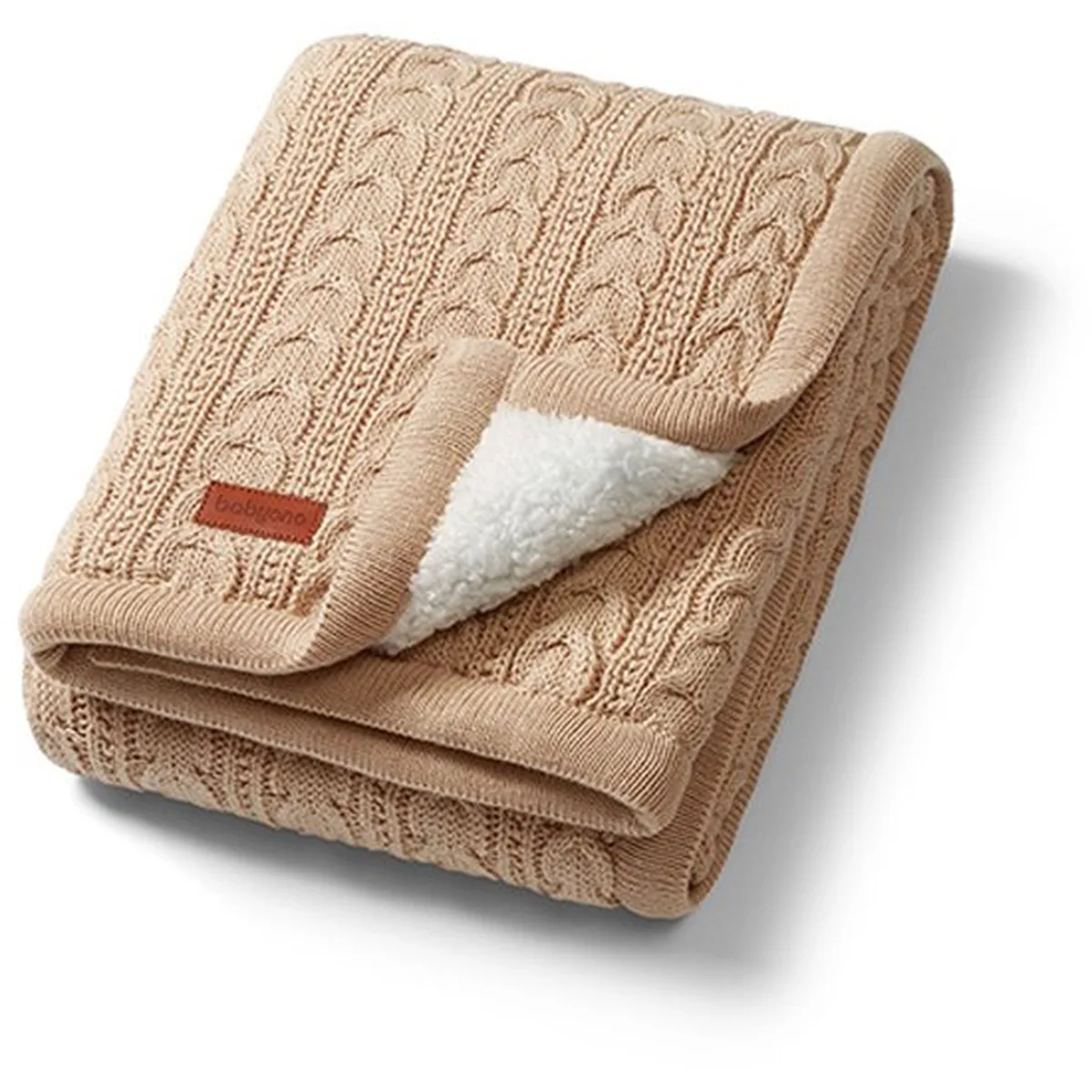
After price, product photos are the strongest sales argument online. Use images on a white or quiet background, in a size large enough to zoom into. The photos shown with the products in the portal may be used for your own webshop and channels.
Text works differently. A description that appears word for word on ten webshops helps none of those ten in the search results. Use the supplied text as a source of facts and write your own version for your audience. Descriptions in the portal are available in Dutch, English, Polish and German, so with a multilingual shop you do not have to translate before you can rewrite.
- an EAN per variant, not only per model
- photos large enough for product detail pages
- a factual base text per language for you to rewrite
- current availability and lead time per item
Stock, backorders and lead time
For a webshop, availability is not a detail but the core of your promise to the customer. An item ordered online that only arrives in three weeks costs you a cancellation or an unhappy buyer. In the portal you can see per item whether it is in stock or carries a lead time, so you can translate that into what you show on your own product page.
Work with a simple rule: put items with a lead time on a longer dispatch term in your shop, or publish them only once they are in stock. If you order part in stock and part with a lead time, the order can be shipped in parts. That way you sell the fast part immediately and the rest stays open as a backorder.
To see what the product data looks like, browse the catalogue or read the page for webshops. If you work with a particular shop system or marketplace channel, mention it in your enquiry and we will look at the most practical way to get the data to you.
